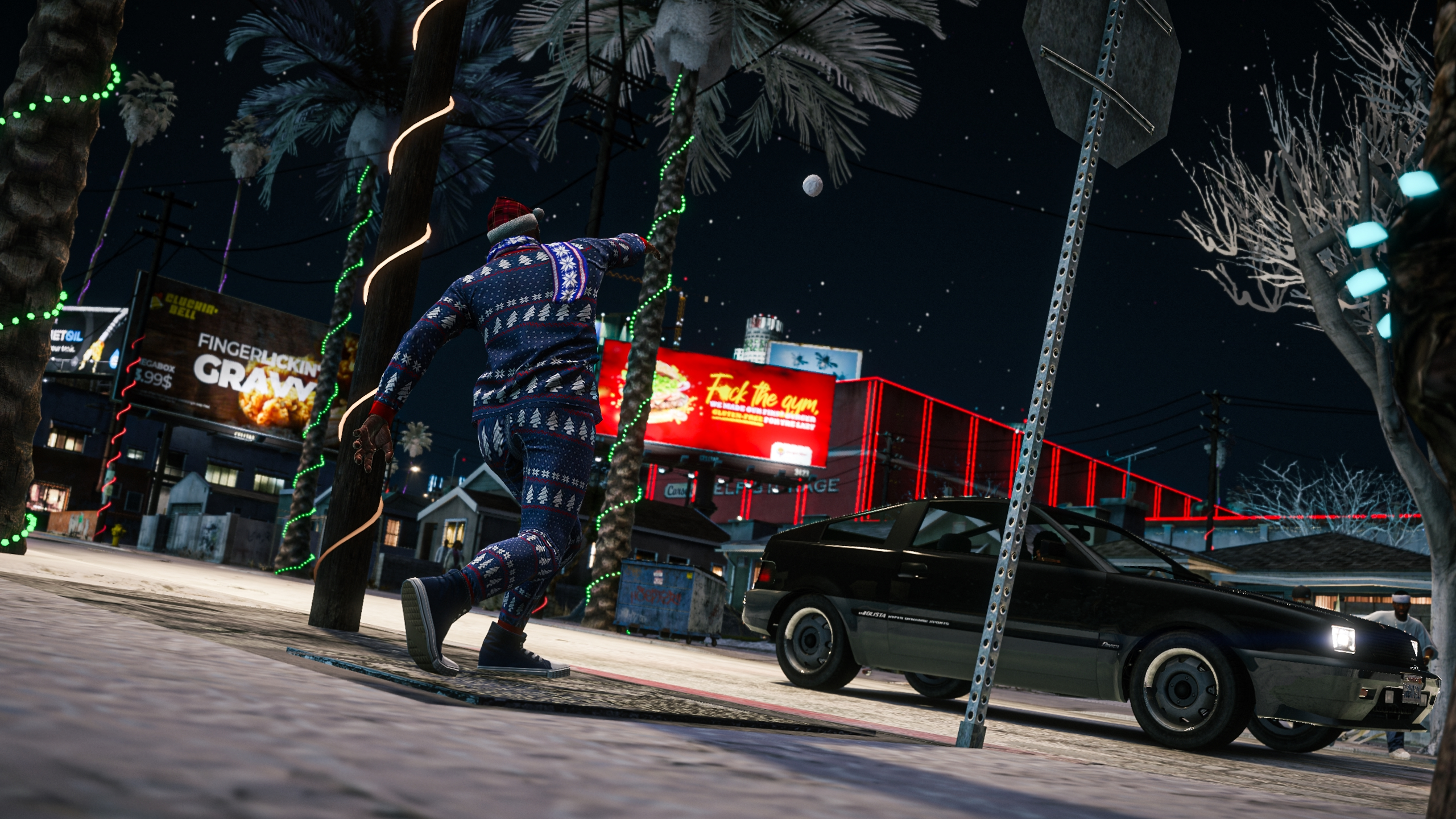
Mods you've been waiting for
Dive into a world of premium mods made for you. Graphics, visuals, textures, improvements - now cross-compatible and game-ready.
Client side · Singleplayer · FiveM · FPS−Friendly · Easy install · No crashes
Dive into a world of premium mods made for you. Graphics, visuals, textures, improvements - now cross-compatible and game-ready.
Client side · Singleplayer · FiveM · FPS−Friendly · Easy install · No crashes
Everything can be upgraded with ModsHub
Graphics
Improvements
Weapons
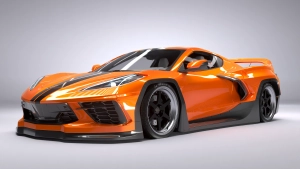
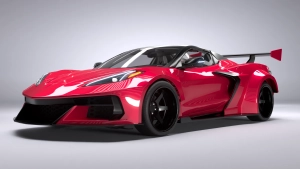
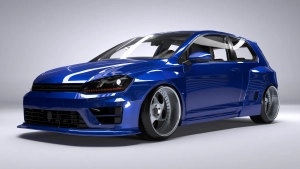
Cars
Textures
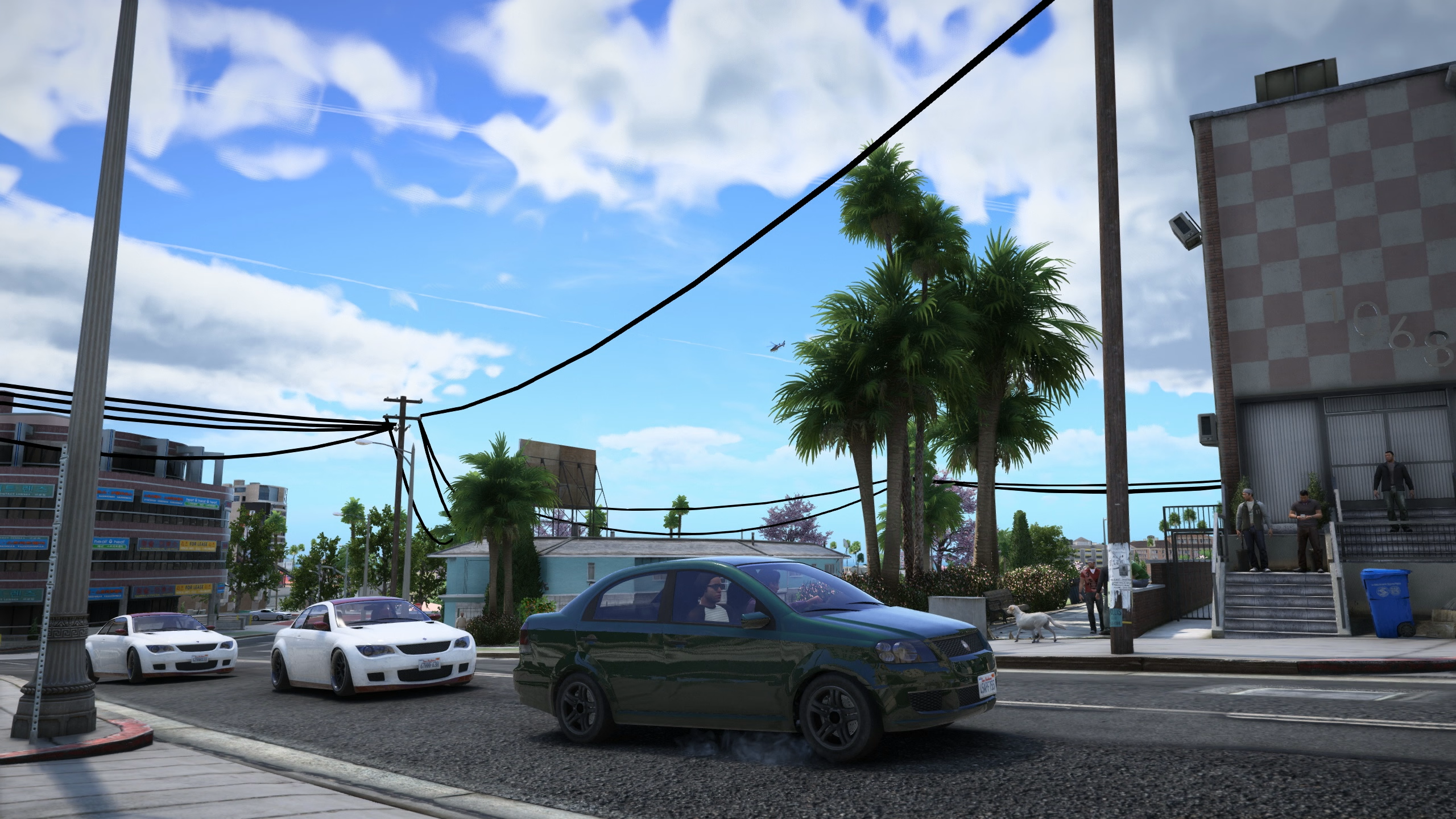
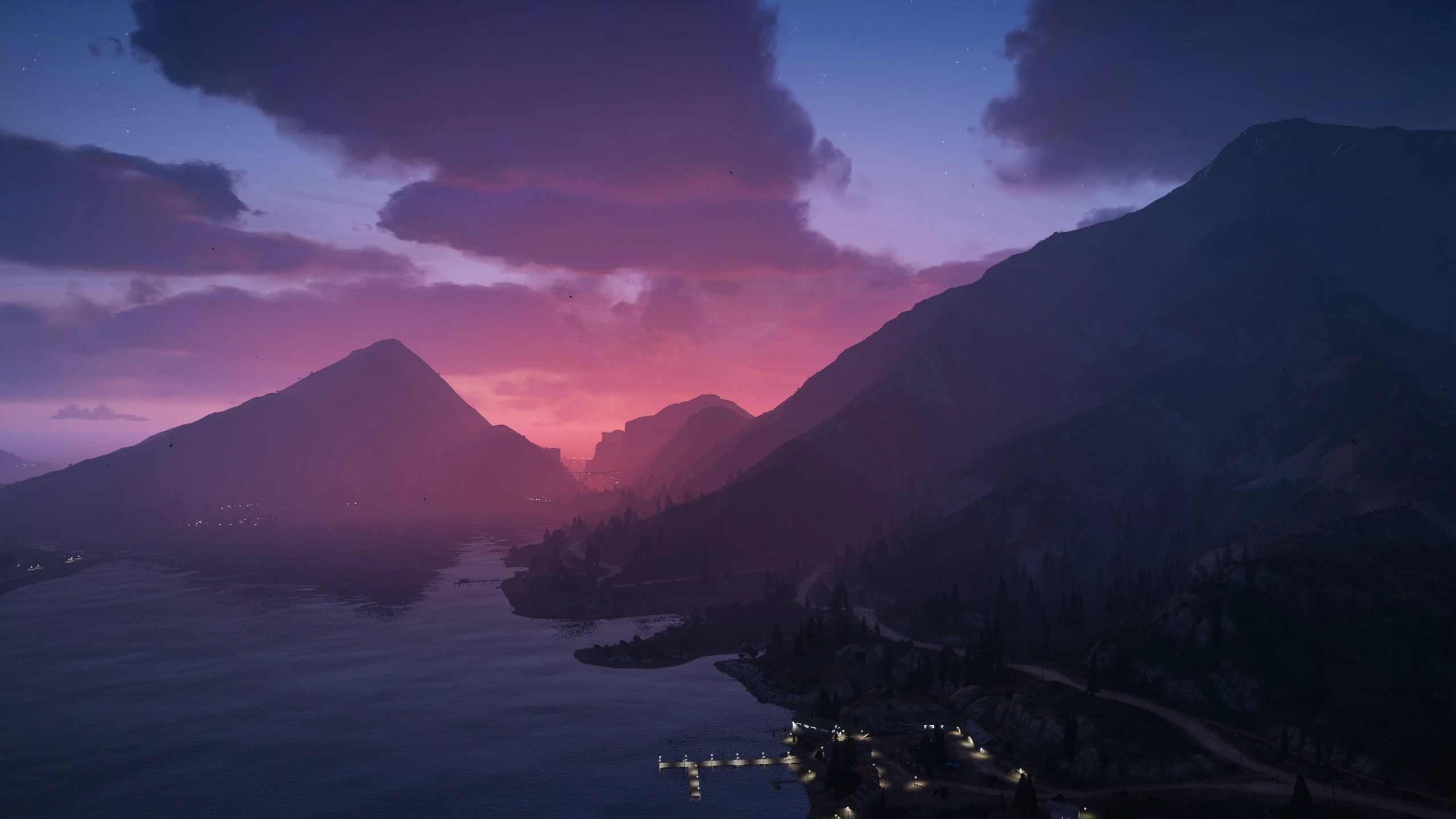
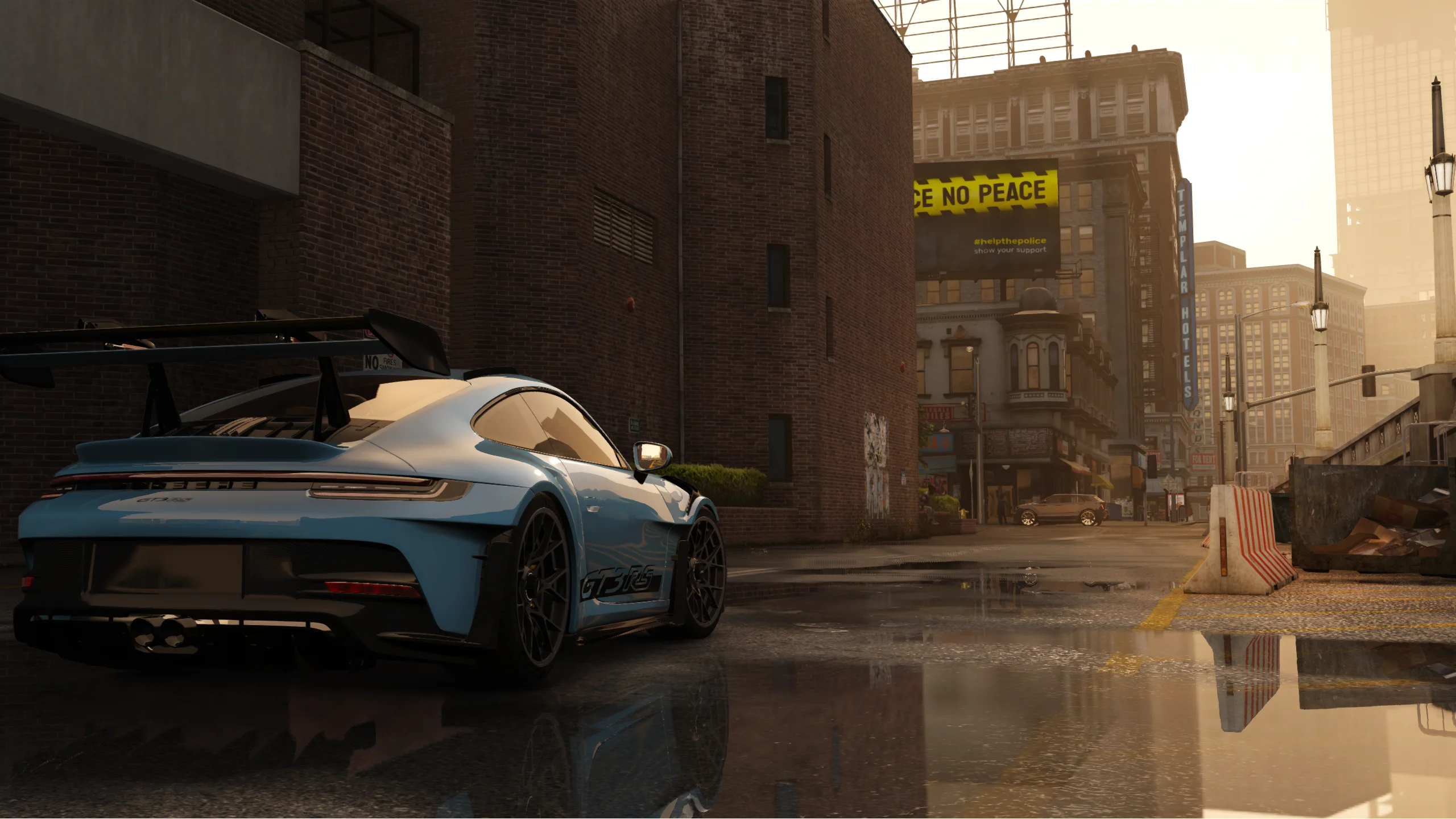
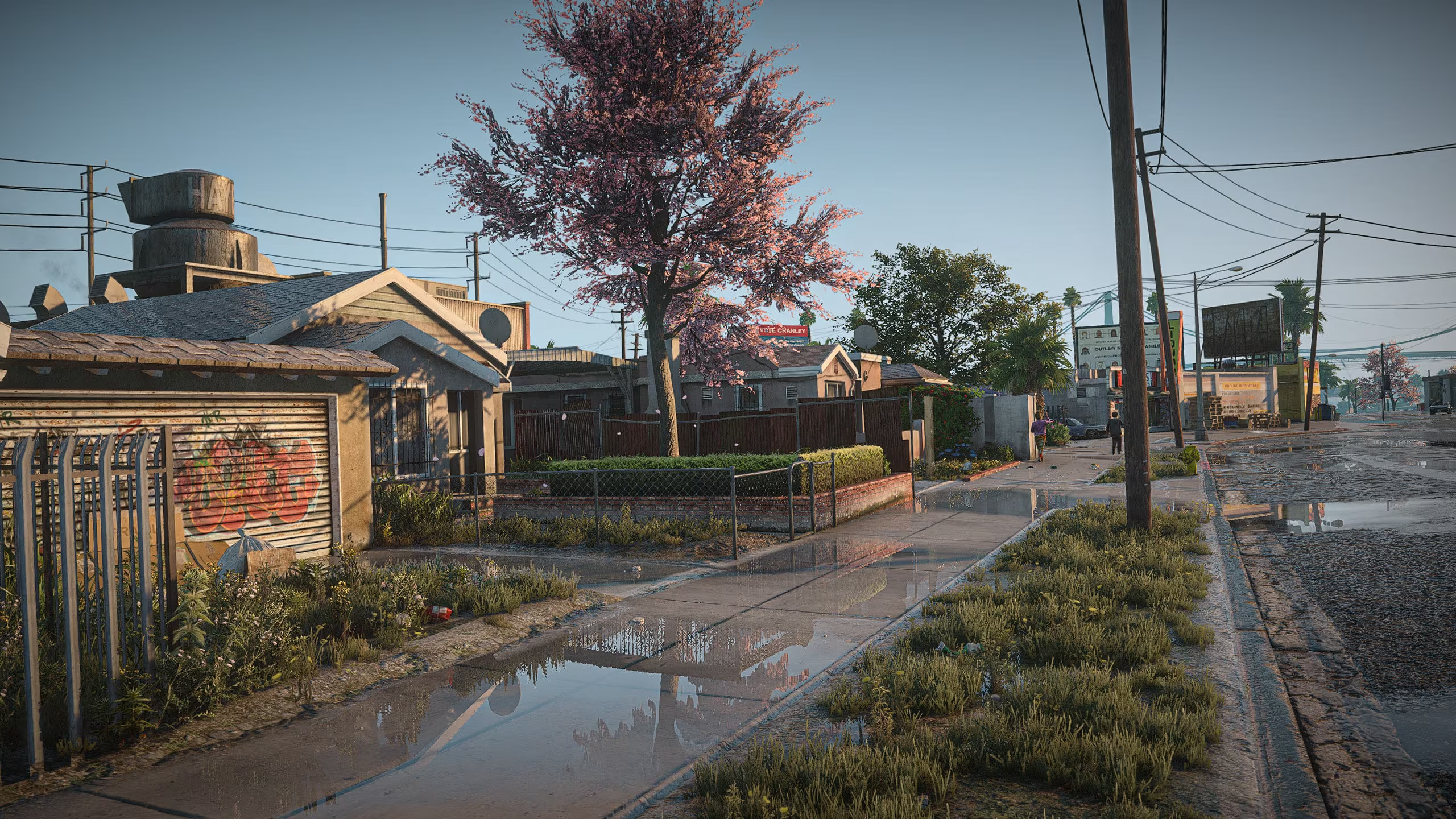
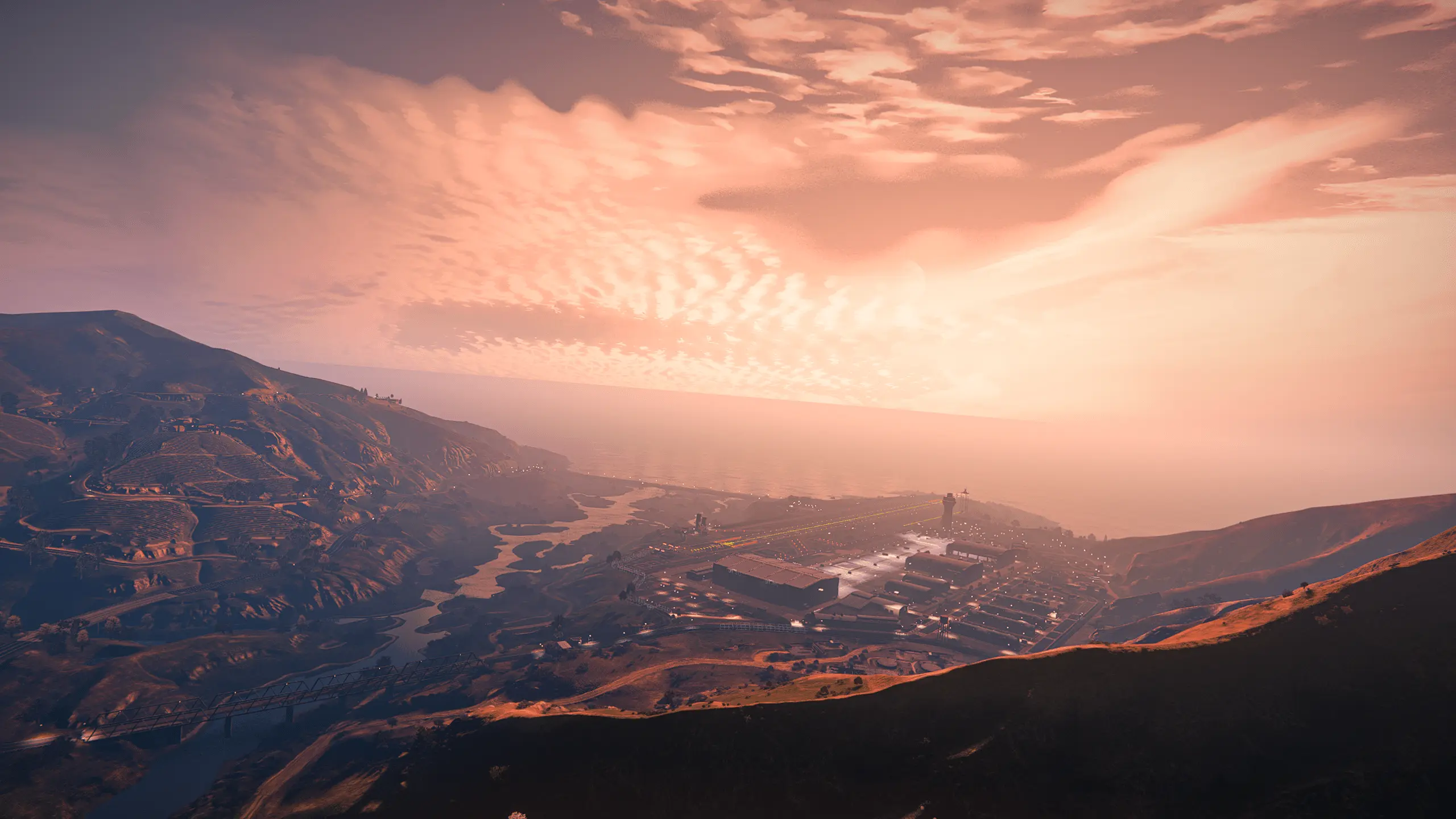
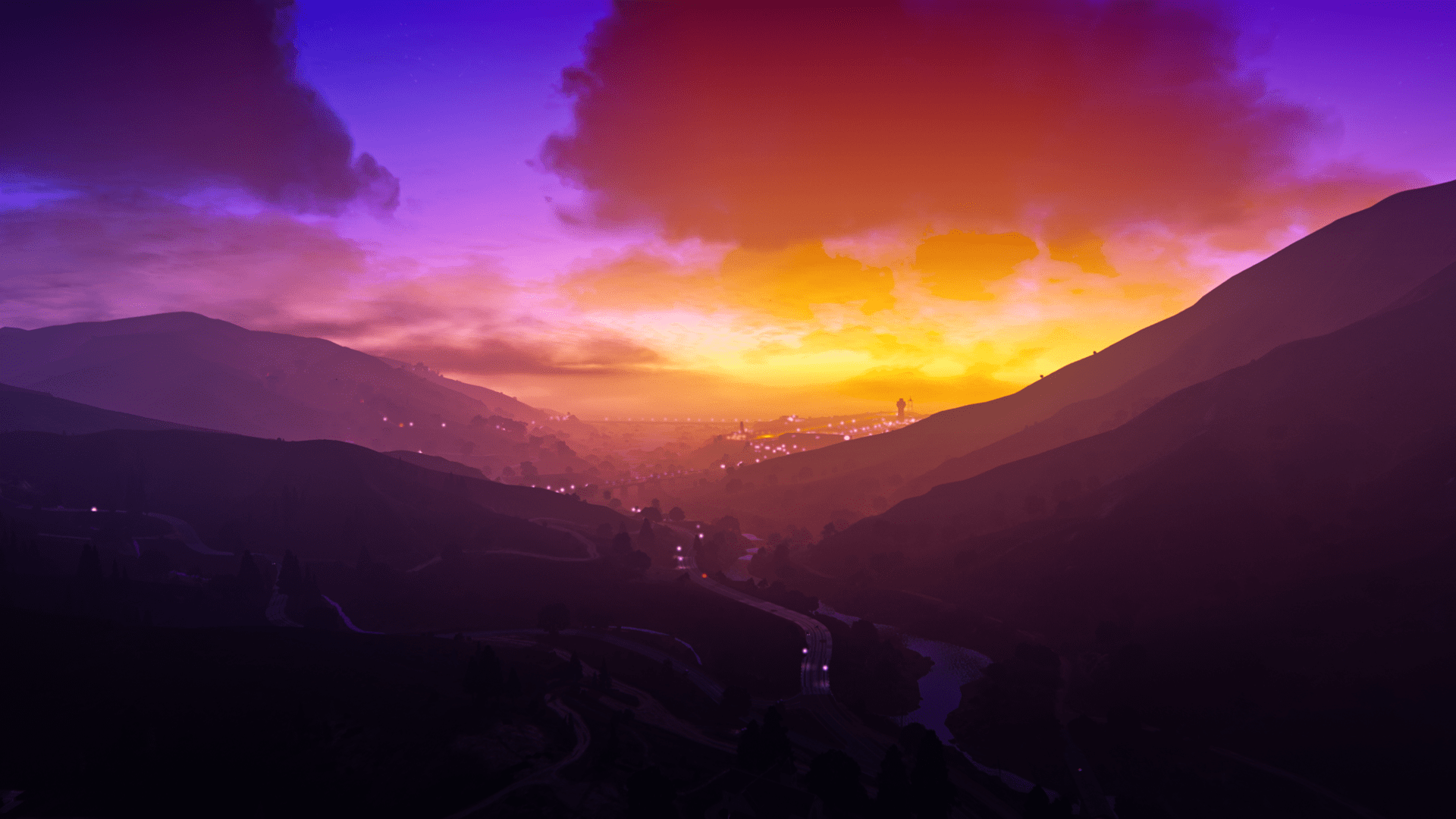
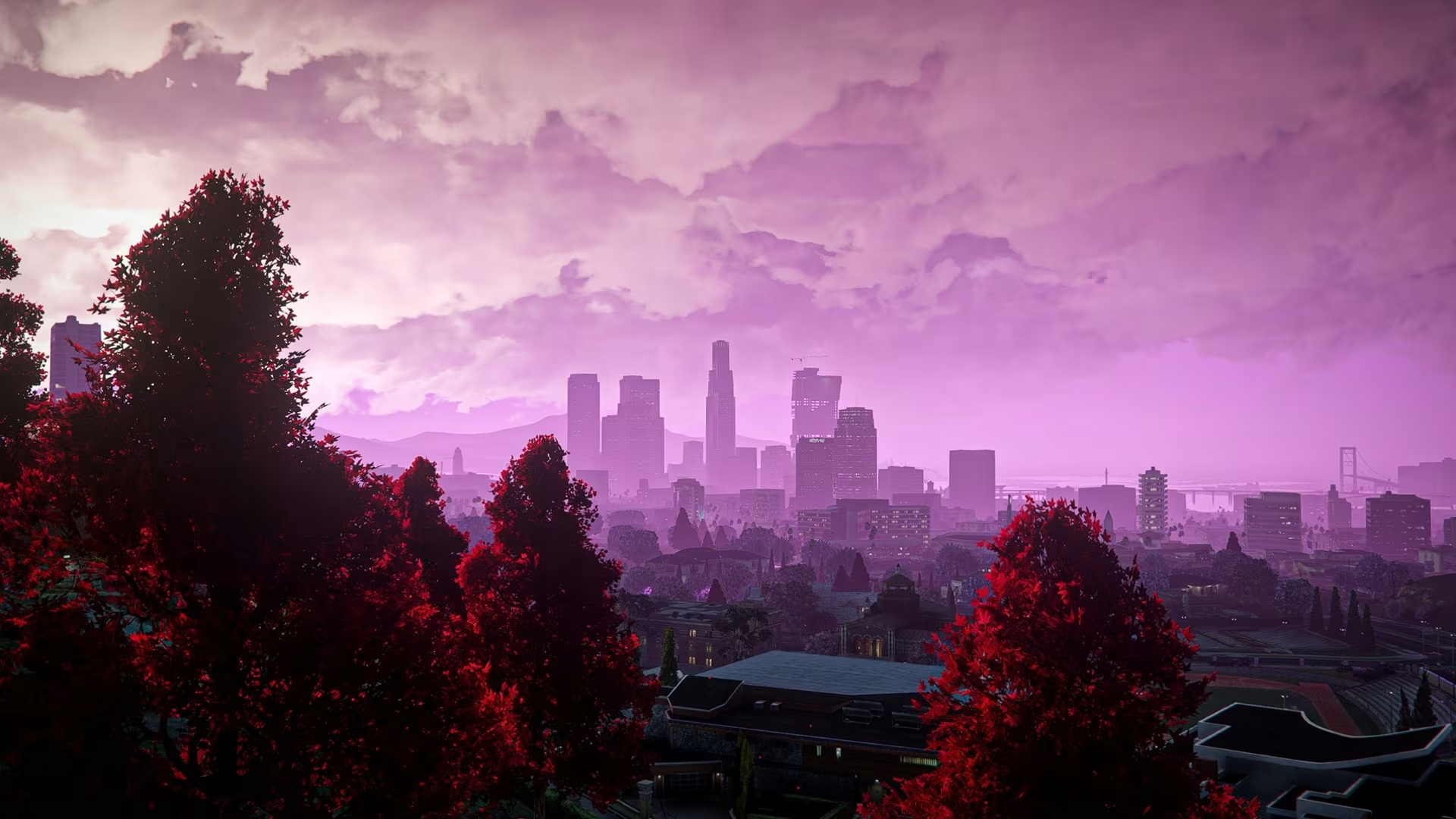
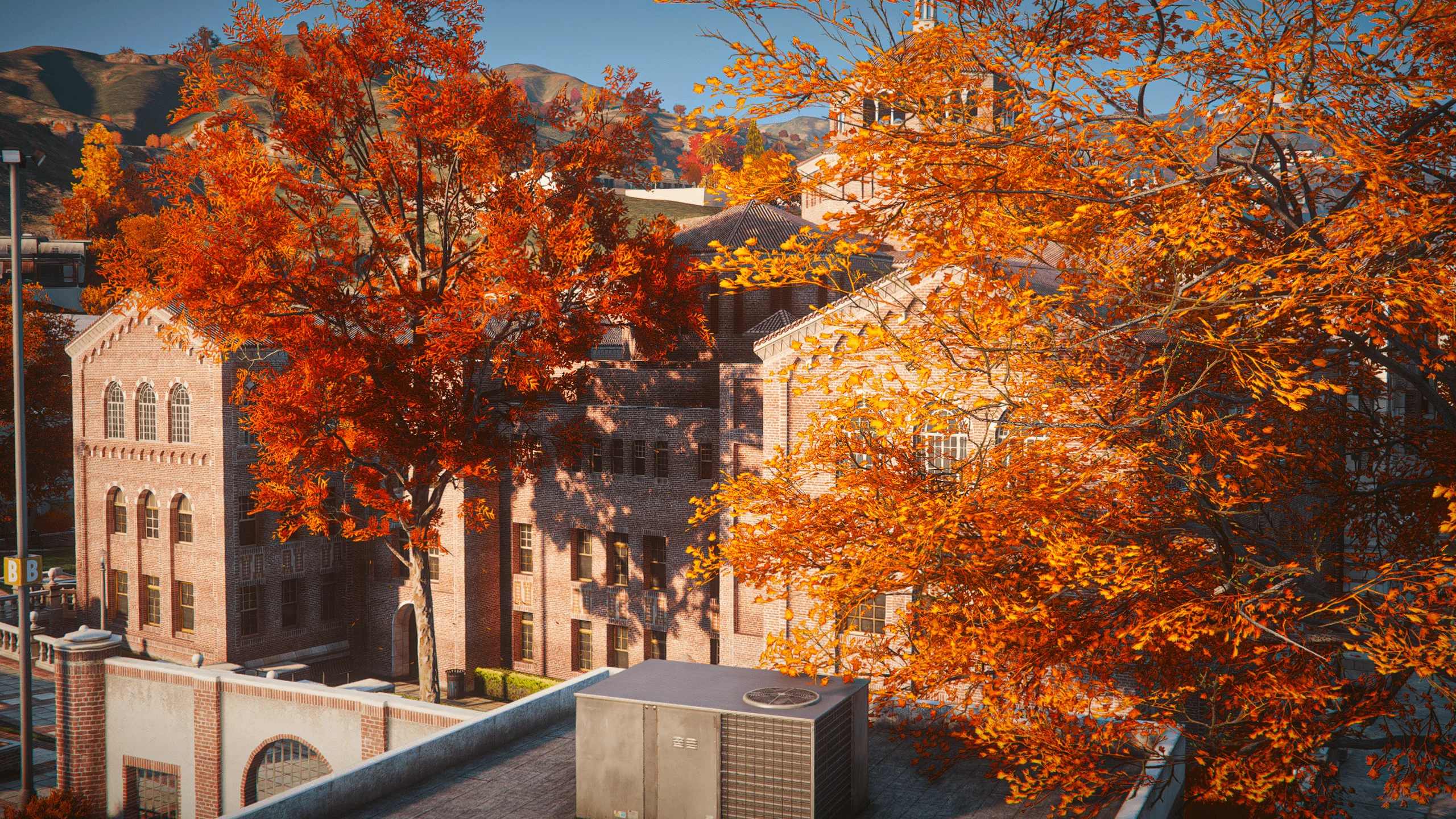
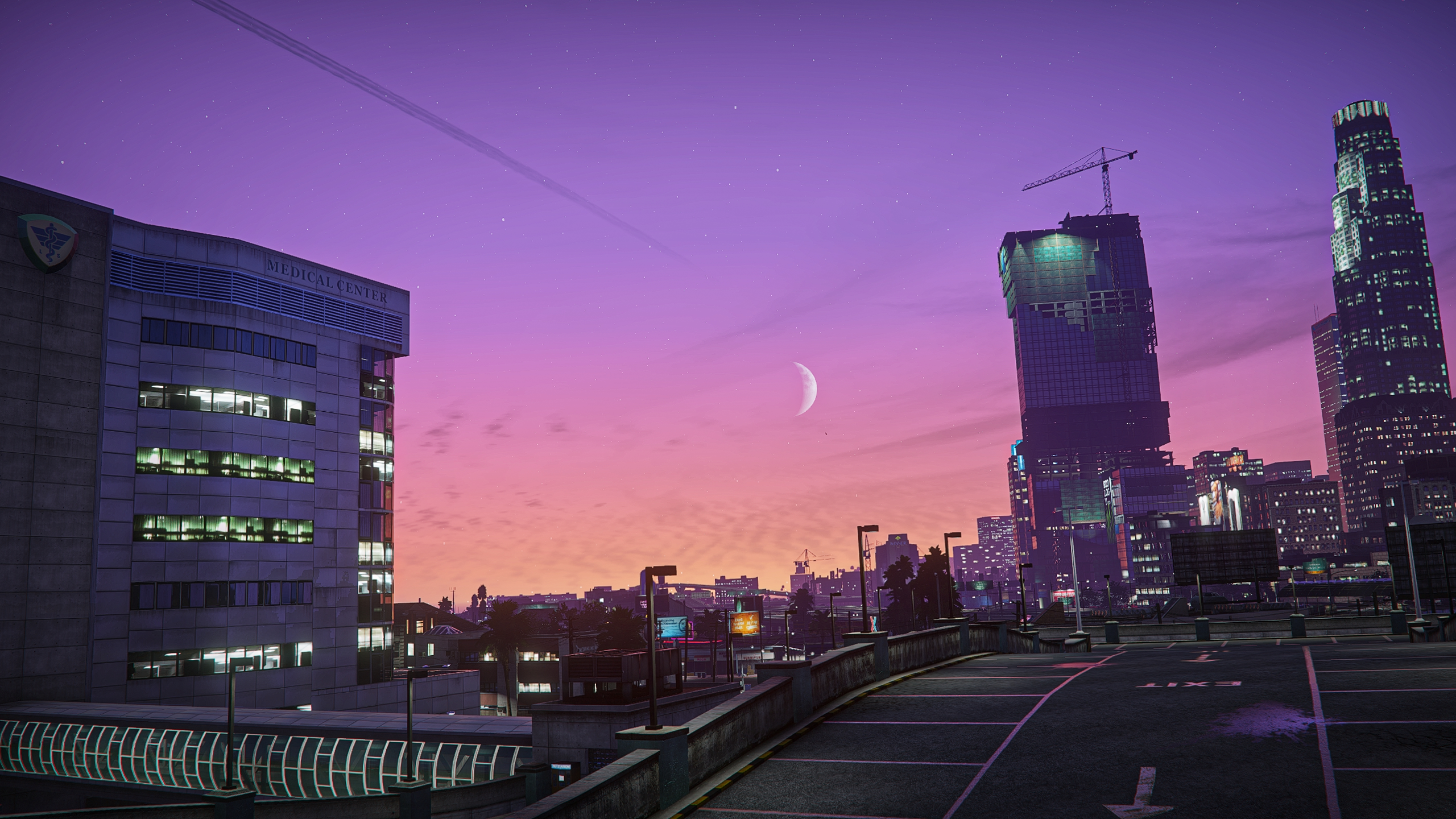
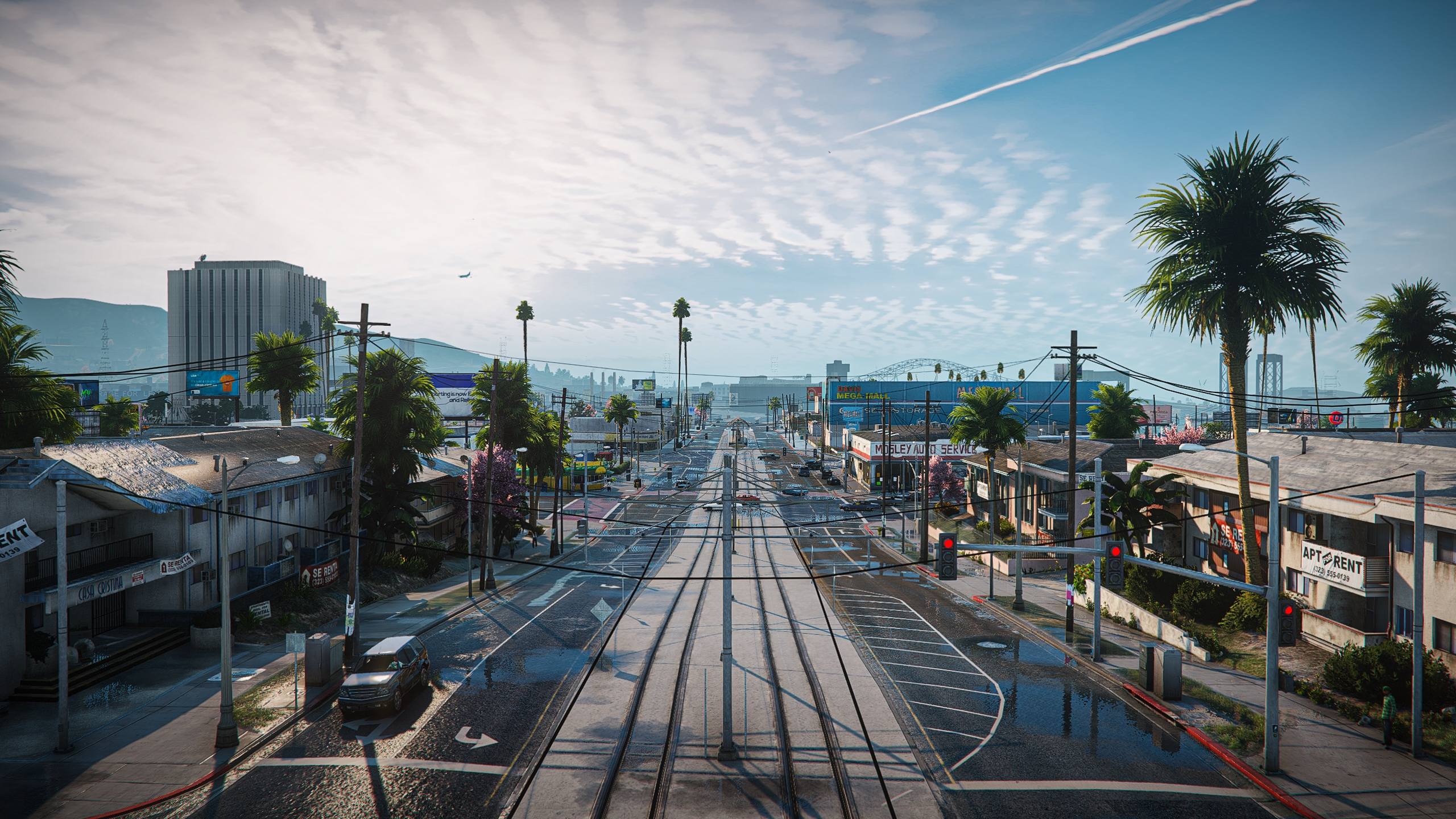
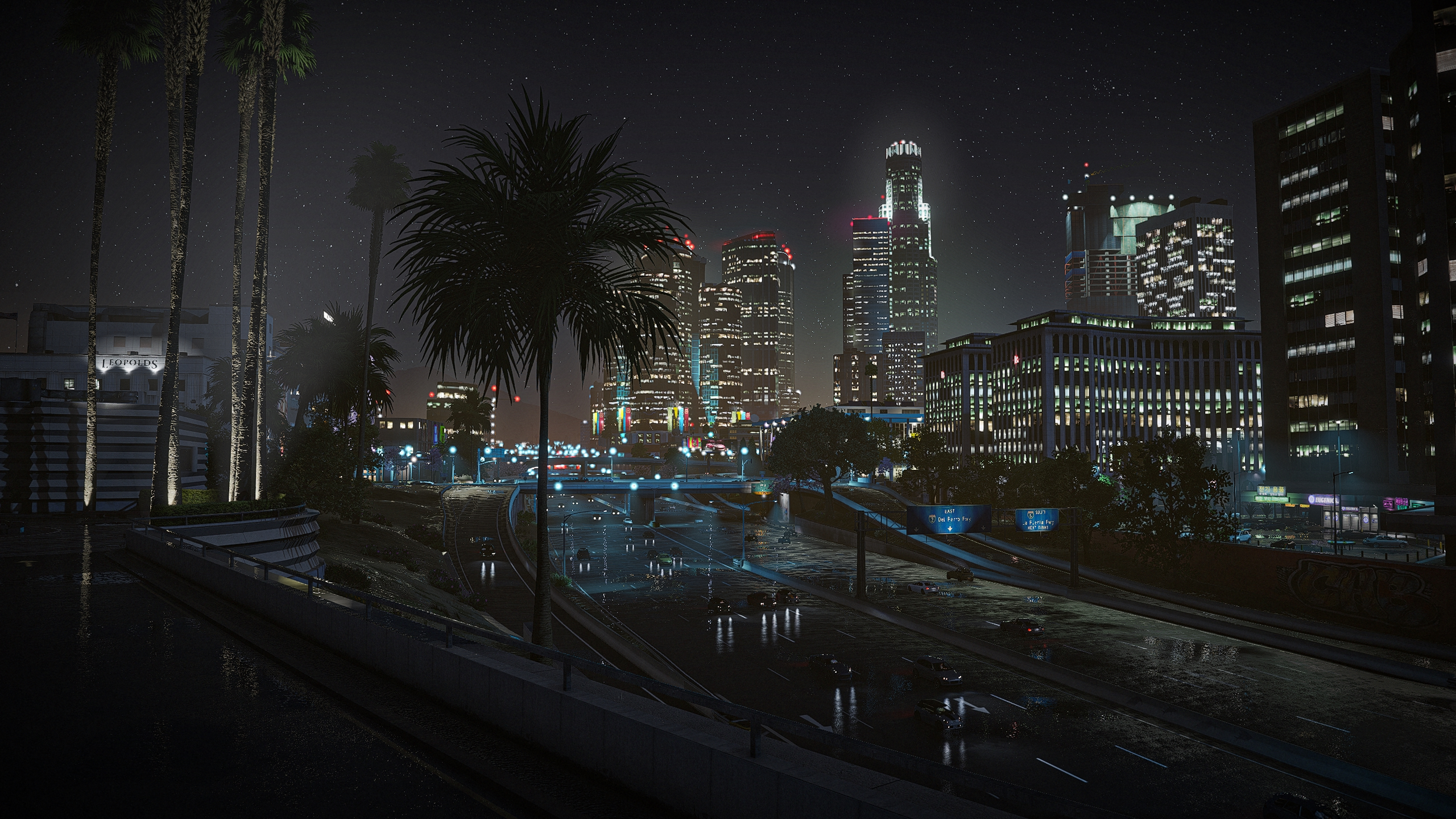
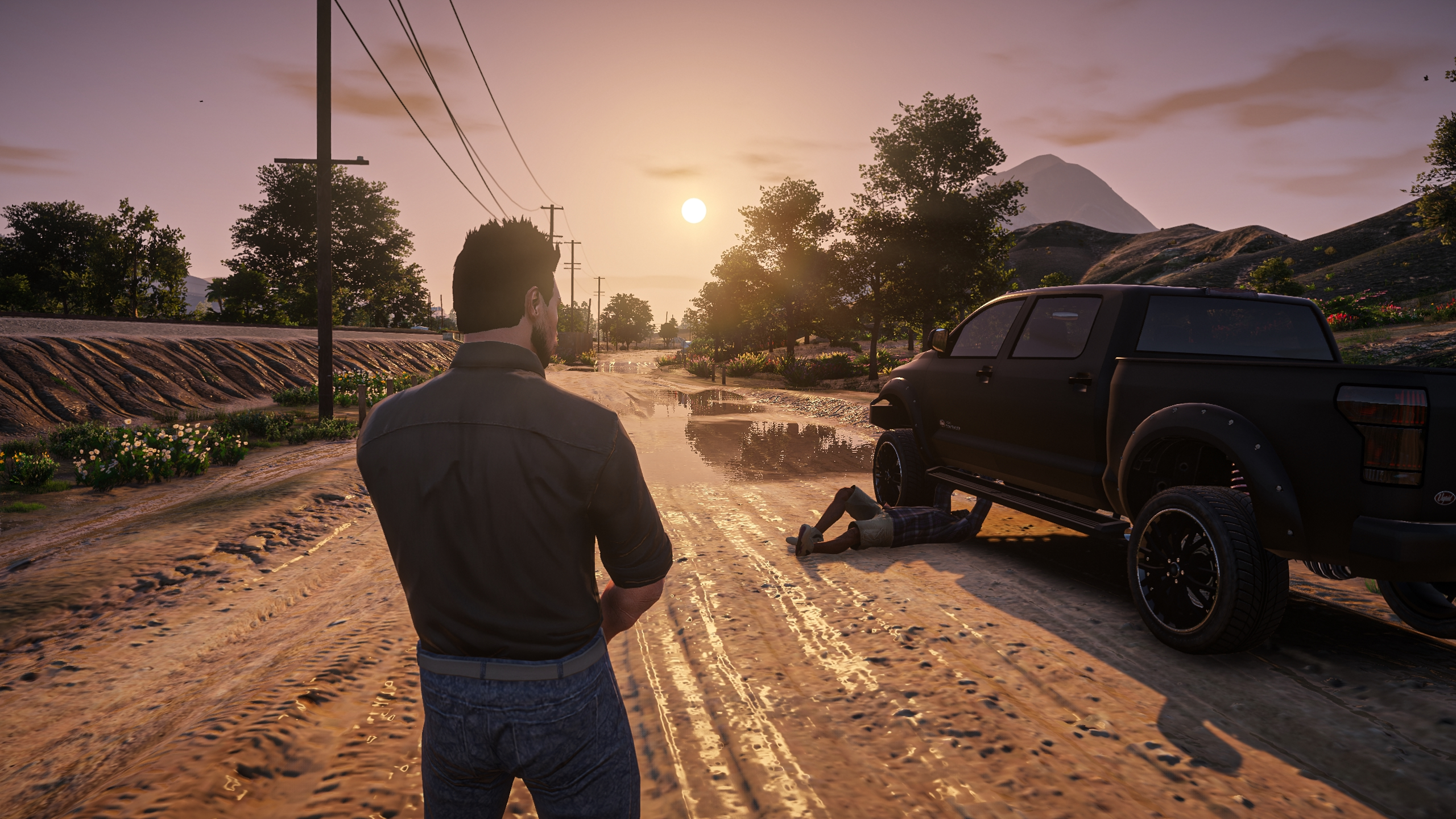
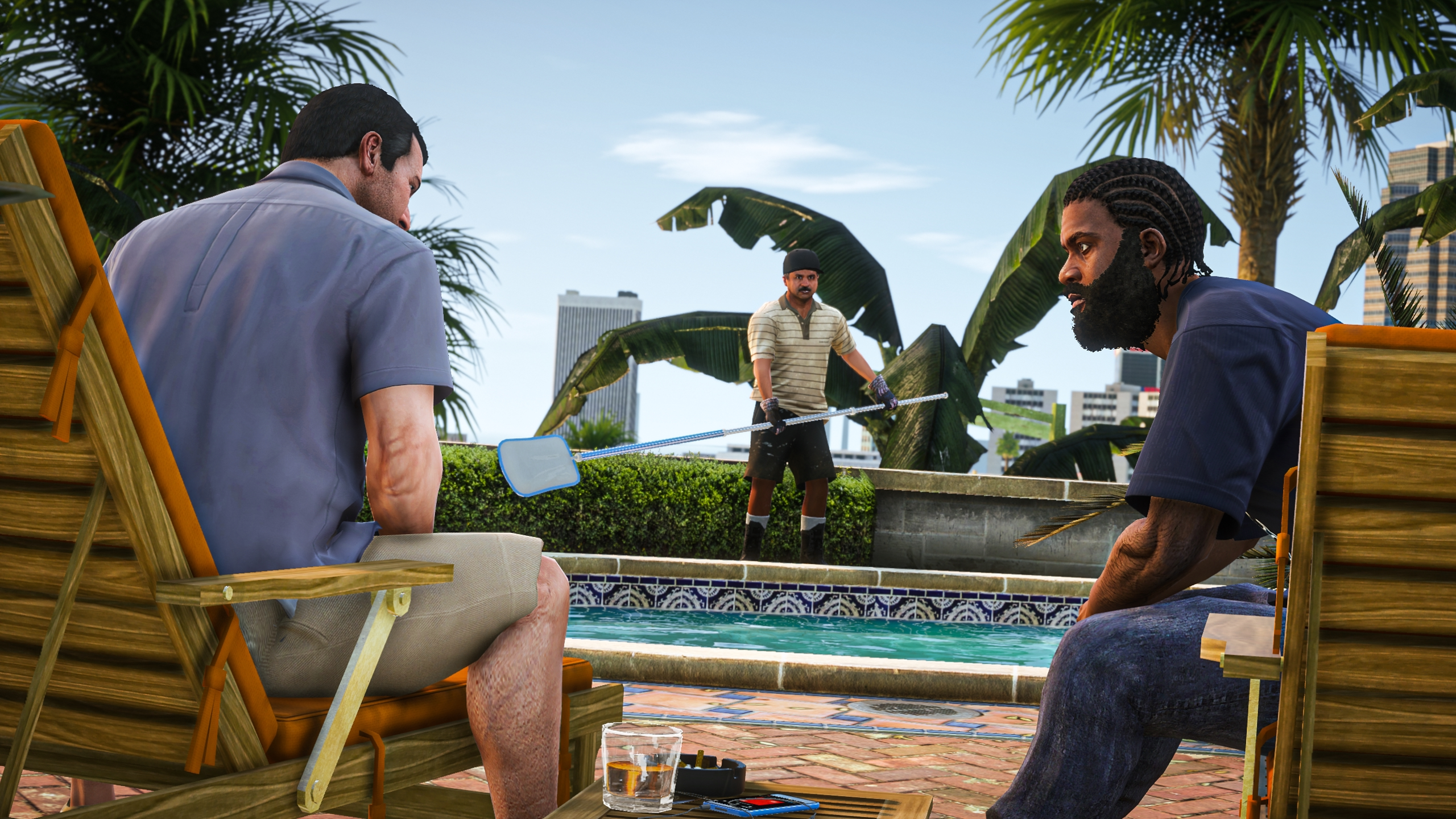
Enhance your gaming experience with new graphic mods and rediscover the game in vibrant new colors. Customizable and optimized, these mods are packed with visual improvements and powered by ENB.
Download ModsHub
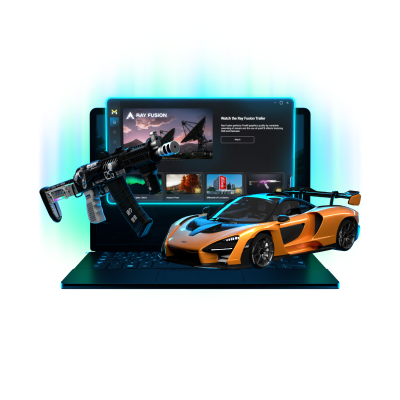
Explore, Preview and Install
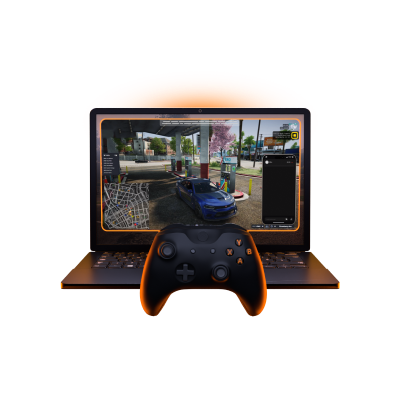
Play on any FiveM server
Ray Fusion
FiveM Redux
Shiny
Juicy
Dusky
Lumen Graphics
Original
Hanami
Groove Graphics
Vanilla
Moderate
Ultimate
Ultra-Texture Overhaul
Packed with ENB
Visual Spectacle
ENB ON & Mods GTX 1050 TI or higher
ENB ON GTX 1050 TI or higher
ENB OFF GTX 660 or higher
ENB OFF & Mods GTX 660 or higher
Choose and install mods effortlessly with our intuitive app. Preview mods directly from our library and install them instantly—no complicated setup or modding skills required.

Our mods work flawlessly with singleplayer and FiveM, providing a smooth experience no matter where you play. We regularly update all mods to match the latest game versions. Installing them through our client allows seamless integration with FiveM.
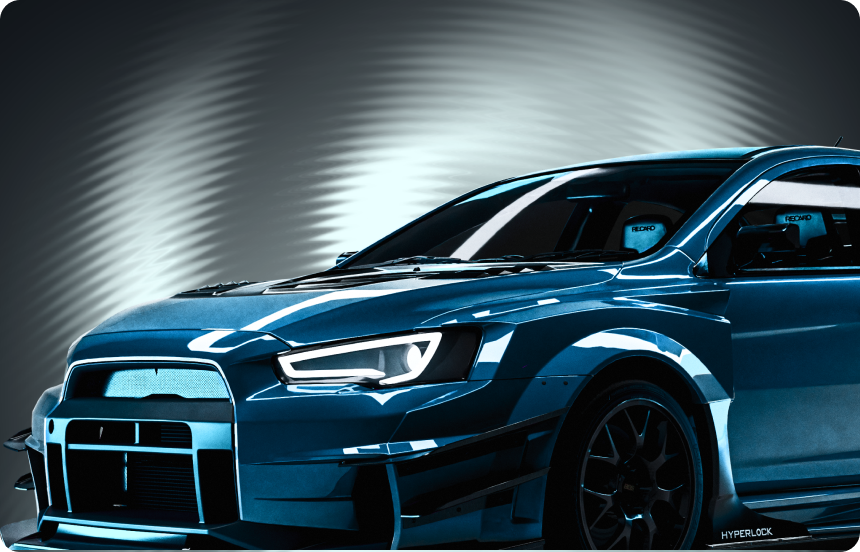
Every mod in our library is crafted exclusively for ModsHub users, so you won't find them anywhere else. Discover unique mods designed to enhance your gaming experience.

ModsHub is certified and adheres to the highest security standards. Your personal data and game files are protected, ensuring a safe and secure experience every time you install mods.
Is ModsHub free?
Yes. The full workflow, the free mod library, and FPS tools are free. Genuinely usable on its own, not a crippled trial. Premium mods made by the ModsHub team and faster downloads without the queue are in ModsHub Plus, but you do not need it to get value out of the app.
Will ModsHub work on the FiveM server I play on?
ModsHub was created as a client-side–only solution, primarily for FiveM. Right now, all our efforts are focused on delivering a seamless experience for modding across any FiveM servers and other online environments. We do not support mods that provide gameplay advantages over other players.
What does the FPS optimization actually do?
It lets you tune the heavy settings that eat your frames: render distance, object density, shadows, particles, fog, glare, light rays, grass, and weather toggles like snow and rain. All in one place, no .ini editing. How many frames you get back depends on your rig, but on a lot of setups the difference is noticeable straight away.
How does installing actually work?
You hit install and ModsHub drops the files in the right place for you. The only time you have to do anything manual is if you have more than one GTA 5 install (for example both Legacy and Enhanced). In that case open Settings once, pick the correct game folder, and you are done. Same flow if you play FiveM.
Can I run ModsHub alongside other mods I already have?
Usually yes. Mods from the ModsHub library run fine next to third party graphics packs. Heads up: the FPS optimization tools may not be available when you mix in outside packs. Other third party mods often work too, but full compatibility is not something we can guarantee, so test before you commit to a big setup.